





Learn proven SQL indexing strategies to dramatically boost query speed, reduce database load, and build high-performance systems used by real-world applications.
This blog explains how SQL indexes work, when to use them, and how to apply indexing strategies in real-world scenarios to improve query performance without over-indexing.
Indexes don’t just speed up queries — they define how scalable your database becomes.
 What Is an SQL Index?
An SQL index is a data structure that improves the speed of data retrieval operations on a database table, similar to an index in a book.
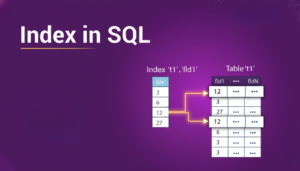
Without indexes: Full table scan
With indexes: Fast, optimized lookups
Why Indexing Is Critical
-
Faster SELECT queries
-
Improved JOIN performance
-
Reduced CPU and I/O load
-
Scales well with large datasets
 Scenario 1: Indexing Frequently Queried Columns
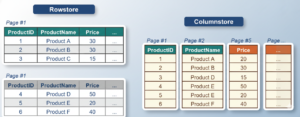
 Use Case
A users table is frequently searched by email.
❌ Query Without Index
SELECT * FROM users WHERE email = 'user@example.com';
 Create Index
CREATE INDEX idx_users_email ON users(email);
🔍 Explanation
-
Avoids full table scans
-
Ideal for WHERE, JOIN, and ORDER BY clauses
Scenario 2: Composite Index for Multi-Column Filters

Use Case
Filtering orders by customer_id and order_date.
Create Composite Index
CREATE INDEX idx_orders_customer_date
ON orders(customer_id, order_date);
🔍 Explanation
-
Improves performance for multi-column conditions
-
Column order matters in composite indexes
Scenario 3: Index for JOIN Optimization
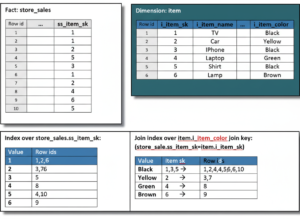
Use Case
Joining orders and customers tables.
Create Index on Foreign Key
CREATE INDEX idx_orders_customer_id
ON orders(customer_id);
🔍 Explanation
- Accelerates JOIN operations
- Essential for relational integrity and performance
Scenario 4: Indexing for ORDER BY Performance
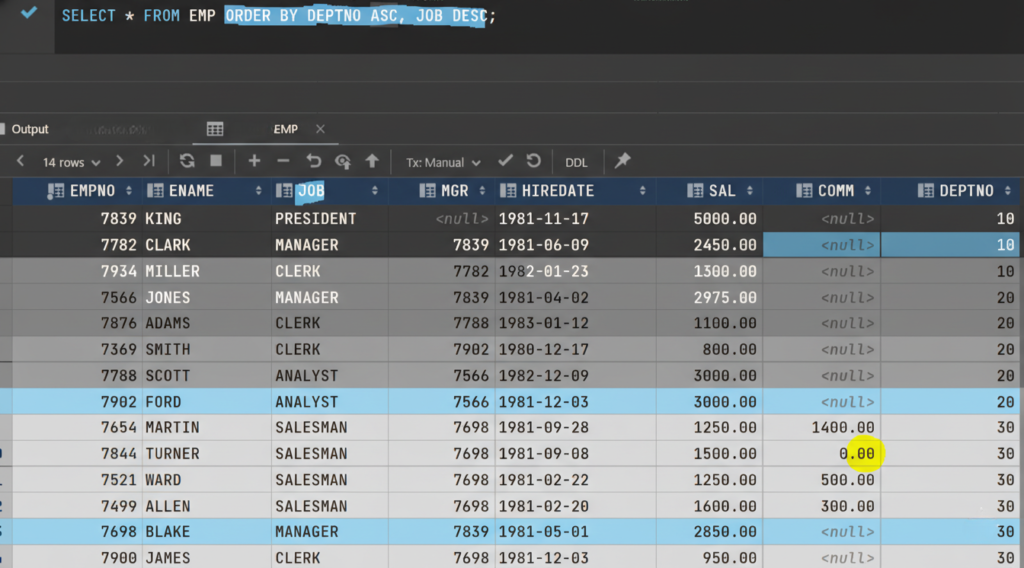
Use Case
Sorting products by price.
❌ Slow Query
SELECT * FROM products ORDER BY price DESC;
Optimized with Index
CREATE INDEX idx_products_price ON products(price);
🔍 Explanation
- Prevents expensive sorting operations
- Improves pagination queries
Scenario 5: Indexing for GROUP BY Aggregations
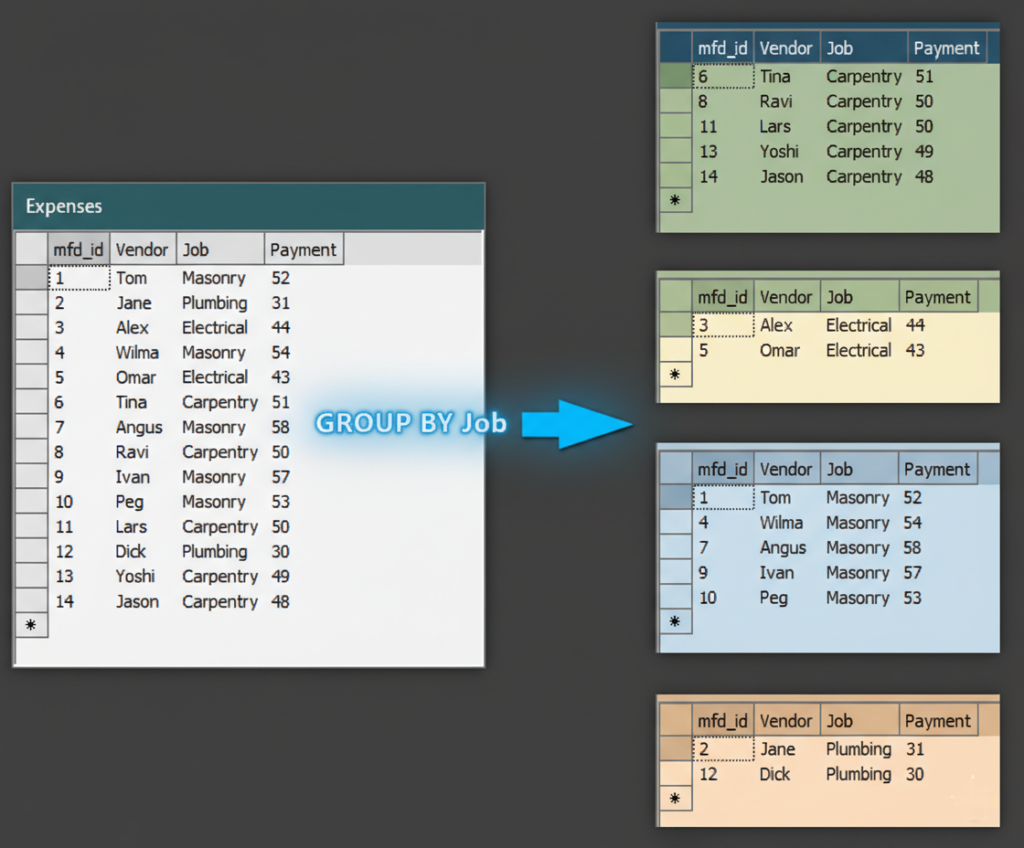
Use Case
Counting orders per customer.
Create Index
CREATE INDEX idx_orders_customer
ON orders(customer_id);
🔍 Explanation
- Helps aggregate operations
- Reduces grouping overhead
Scenario 6: Partial Index for Filtered Data (PostgreSQL)
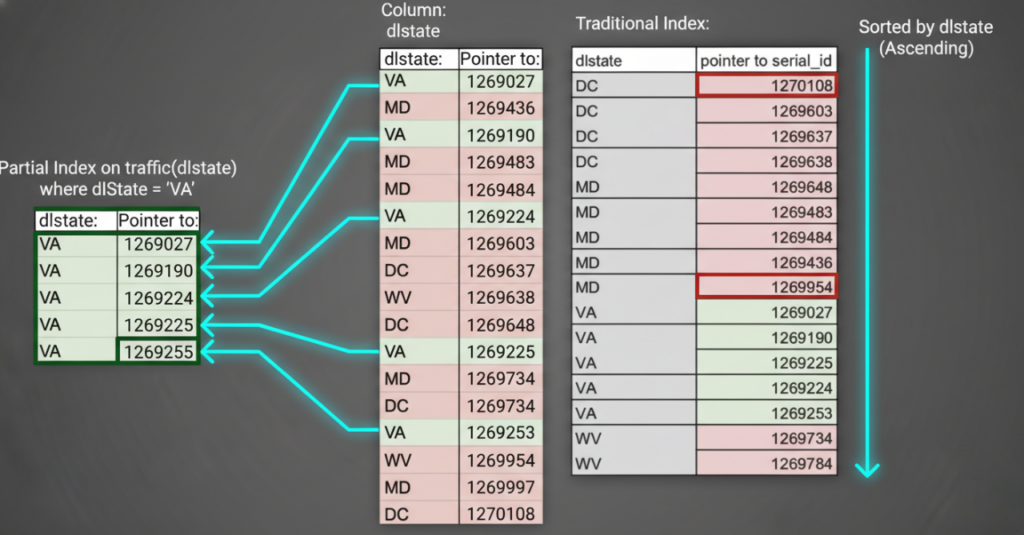
Use Case
Index only active users.
Create Partial Index
CREATE INDEX idx_active_users
ON users(user_id)
WHERE status = 'ACTIVE';
🔍 Explanation
- Smaller index size
- Faster access for filtered datasets
Scenario 7: Unique Index for Data Integrity
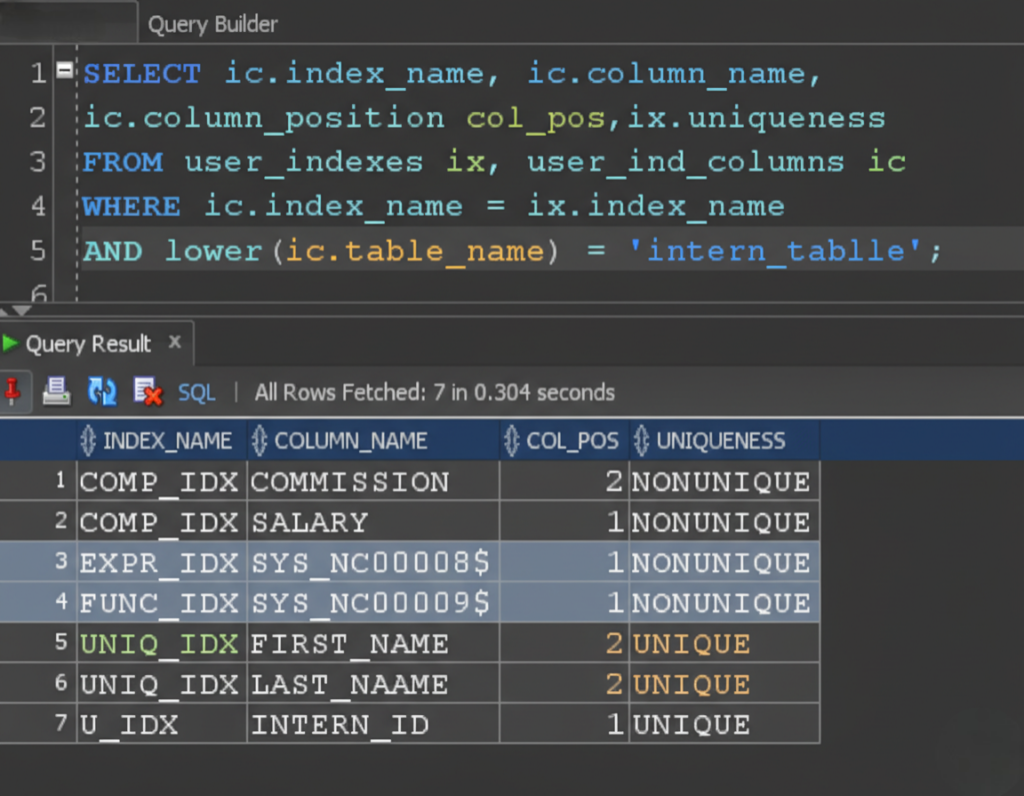
Use Case
Ensure unique usernames.
Create Unique Index
CREATE UNIQUE INDEX idx_unique_username
ON users(username);
🔍 Explanation
- Prevents duplicate values
- Improves lookup speed
Scenario 8: Index for LIKE Queries (Prefix Search)

Use Case
Search users by name prefix.
SELECT * FROM users WHERE name LIKE 'Jo%';
Index
CREATE INDEX idx_users_name ON users(name);
🔍 Explanation
- Works efficiently with prefix patterns
- Avoids wildcard at the start (
%John)
Scenario 9: Avoid Over-Indexing (Write-Heavy Tables)

Use Case
High insert/update table.
⚠️Best Practice
Avoid unnecessary indexes on frequently updated columns
Index only read-heavy columns
Scenario 10: Monitoring Index Usage
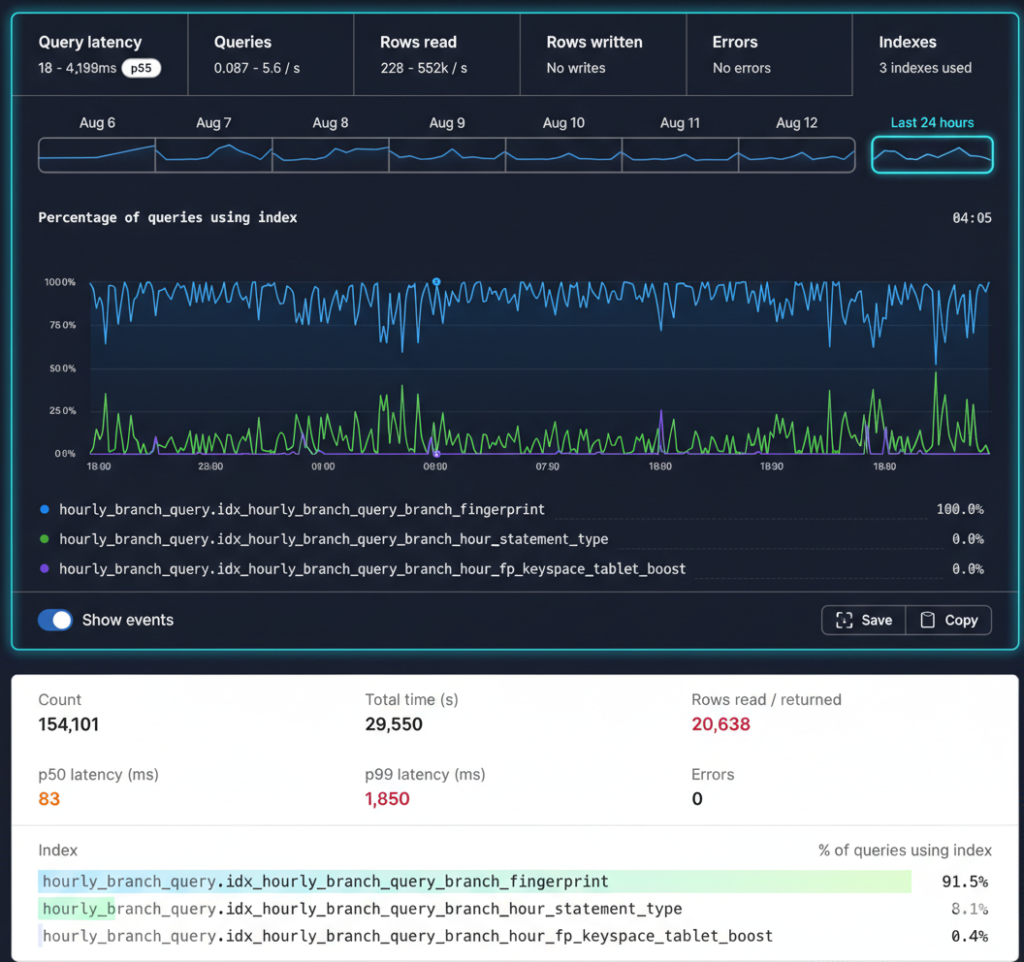
Use Case:
A U.S.-based e-commerce platform monitors index usage to identify unused or inefficient indexes, remove redundancy, and improve overall database performance while reducing storage and maintenance overhead.
PostgreSQL Index Stats
SELECT relname, idx_scan
FROM pg_stat_user_indexes;
🔍 Explanation
- Identifies unused indexes
- Helps clean up performance bottlenecks
Key Takeaways
- Index only what you query frequently
- Use composite and partial indexes wisely
- Monitor and remove unused indexes
- Balance read performance with write cost
🔗 Official MySQL Indexing Documentation (DoFollow):
https://dev.mysql.com/doc/refman/8.0/en/mysql-indexes.html
Frequently Asked Questions (FAQs)
1. Do indexes improve INSERT, UPDATE, and DELETE performance?
No. Indexes speed up SELECT queries but can slow down INSERT, UPDATE, and DELETE operations because the index must also be updated. This is why indexing should be used strategically.
2. How many indexes should a table have?
There is no fixed number. A table should only have indexes that support frequently used queries. Too many indexes can hurt write performance and increase storage usage.
3. What is the difference between clustered and non-clustered indexes?
Clustered Index: Physically sorts table data (only one per table)
Non-Clustered Index: Separate structure pointing to data rows (multiple allowed)
4. When should composite indexes be used?
Composite indexes should be used when queries frequently filter or sort by multiple columns together, such as (customer_id, order_date).
5. Can indexes be used with JOIN operations?
Yes. Indexing JOIN columns (foreign keys and primary keys) significantly improves JOIN performance in large datasets.
Indexing is one of the most powerful yet often misunderstood performance tools in SQL. When applied thoughtfully, indexes significantly reduce query execution time, improve application responsiveness, and enable databases to scale efficiently under real-world workloads. However, improper or excessive indexing can introduce unnecessary overhead and degrade write performance.
Our DBS University provides a career focus SQL course which can help to make yourself industry ready.
By following proven best practices—indexing the right columns, avoiding redundancy, validating decisions with execution plans, and continuously monitoring index usage—you ensure that your database remains both fast and reliable. In production environments, successful indexing is not a one-time task but an ongoing optimization process driven by actual query patterns and business needs.
Mastering SQL indexing empowers you to design systems that perform consistently, even as data volume and complexity grow.
0 Comments