





Safely modify data in real-world database systems using SQL INSERT, UPDATE, and DELETE commands with clear examples and best practices.
Data integrity is not optional—it is the foundation of every reliable system.
 Introduction to SQL Data Modification Commands
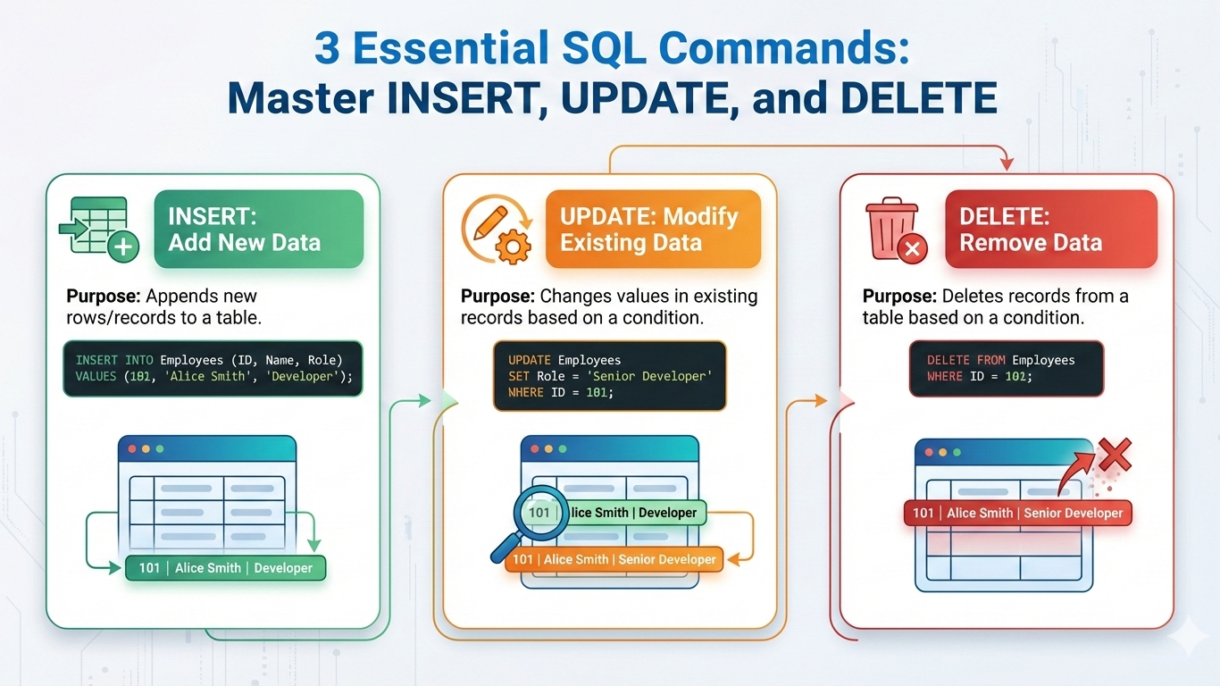
SQL provides three core commands to modify data in a database:
-
INSERT – add new records
-
UPDATE – modify existing records
-
DELETE – remove records
These commands are critical in US-based production systems such as banking, healthcare, retail, insurance, and government platforms, where data accuracy and auditability are mandatory.
 INSERT Statement Explained
The INSERT statement adds new rows to a table.
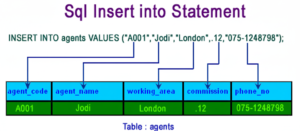
Syntax:
INSERT INTO customers (customer_id, customer_name, state)
VALUES (101, 'John Miller', 'CA');
Explanation:
This query inserts a new customer record into the customers table.
Example:
A US e-commerce company inserts a new customer record when a user creates an account on the website.
INSERT Multiple Rows
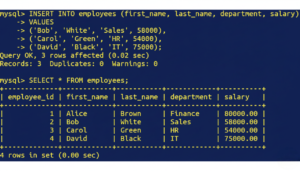
Syntax:
INSERT INTO orders (order_id, customer_id, order_amount)
VALUES
(5001, 101, 250.75),
(5002, 102, 180.50);
Example:
Retail systems in the US insert bulk order data during high-traffic sales events.
Using INSERT with SELECT (Data Migration)
The INSERT INTO … SELECT statement is commonly used to move or copy data between tables.
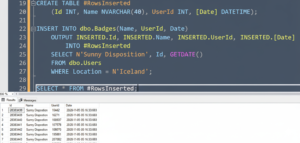
Syntax:
INSERT INTO archived_orders (order_id, customer_id, order_amount)
SELECT order_id, customer_id, order_amount
FROM orders
WHERE order_date < '2023-01-01';
Example:
A retail company archives old orders to improve performance in its live order table while preserving historical data.
 UPDATE Statement Explained
The UPDATE statement modifies existing records.
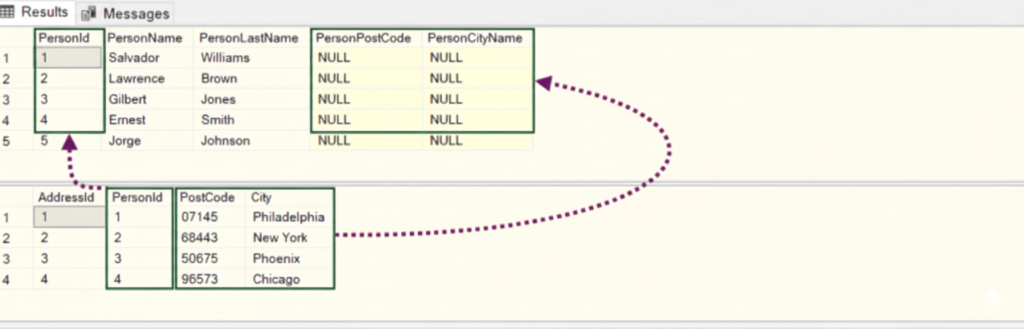
Syntax:
UPDATE customers
SET state = 'NY'
WHERE customer_id = 101;
Explanation:
This query updates the state for a specific customer.
Example:
A US logistics company updates customer addresses to ensure accurate shipping and delivery.
UPDATE Multiple Columns
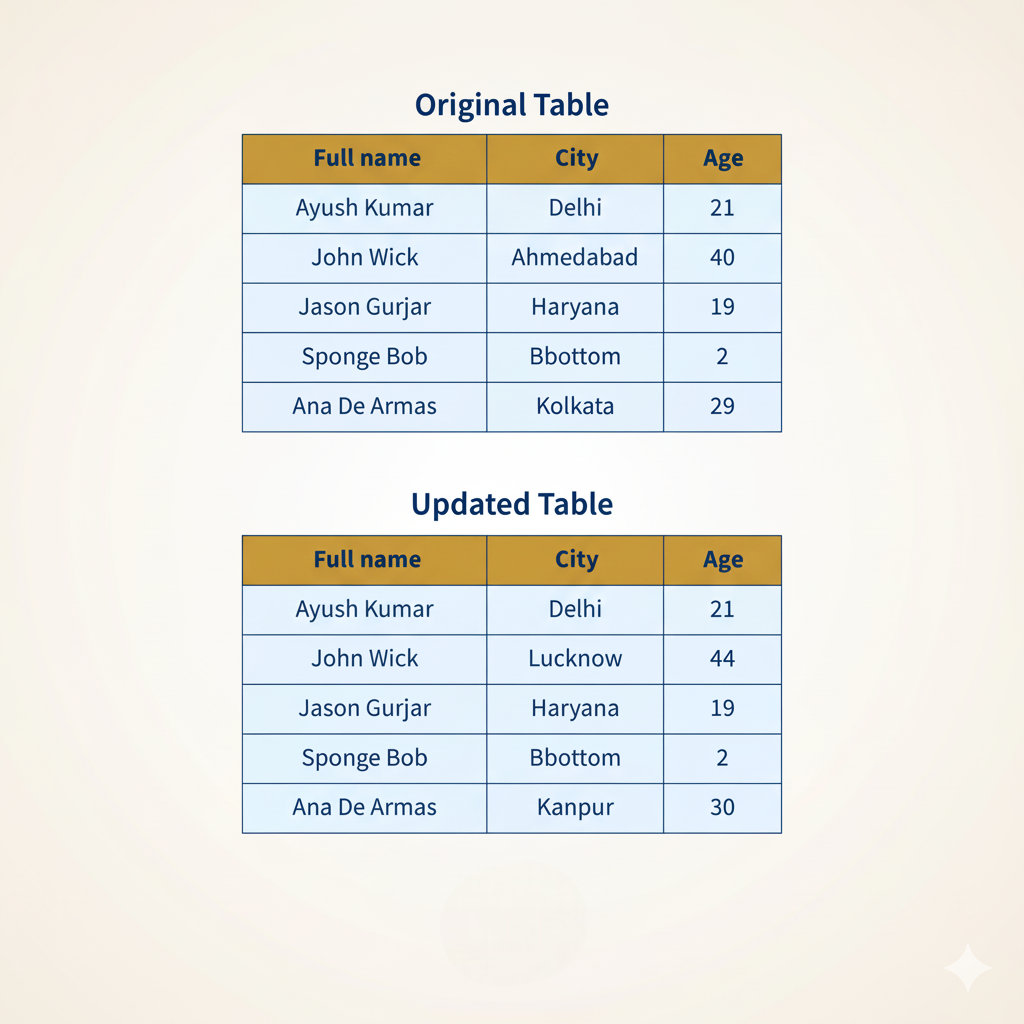
Syntax:
UPDATE employees
SET salary = 85000,
    department = 'Engineering'
WHERE employee_id = 205;
Example:
A US-based organization updates employee salary and department during annual appraisals.
Updating Data with Calculations
The UPDATE statement can also perform calculations on existing data.
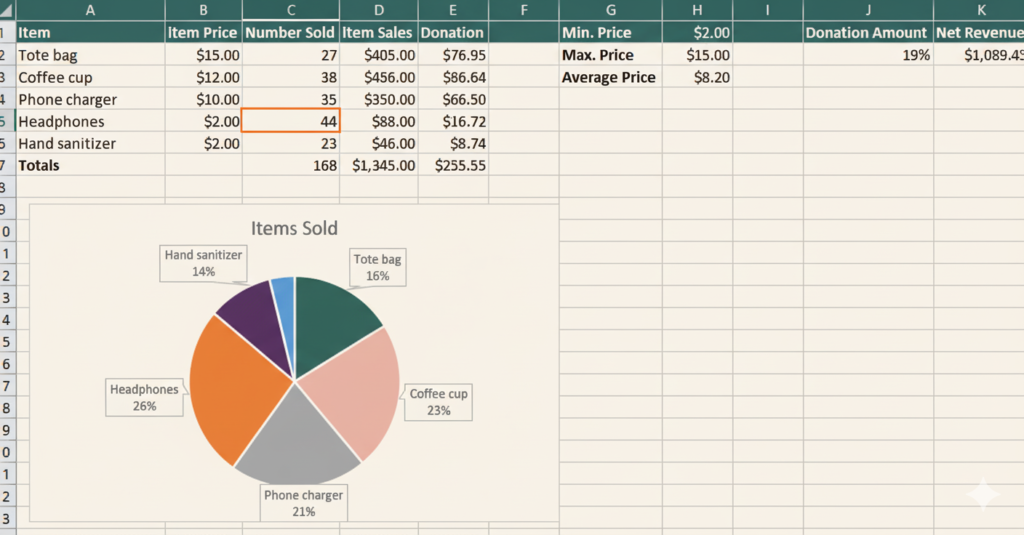
Syntax:
UPDATE employees
SET salary = salary * 1.10
WHERE department = 'Sales';
Example:
A US-based enterprise applies annual salary increments for sales teams using calculated updates.
 DELETE Statement Explained
The DELETE statement removes records from a table.
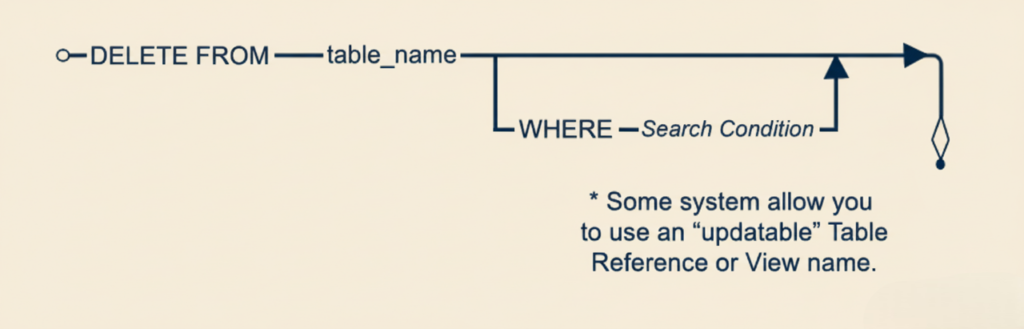
Syntax:
DELETE FROM orders
WHERE order_id = 5001;
Explanation:
This query deletes a specific order record.
Example:
A US financial system removes duplicate or invalid transaction records during data cleanup.
DELETE vs TRUNCATE
| Feature | DELETE | TRUNCATE |
|---|---|---|
| Removes Specific Rows | Yes | No |
| WHERE Clause | Yes | No |
| Transaction Support | Yes | Limited |
| Rollback Possible | Yes | No |
Best Practice:
Production systems prefer DELETE with WHERE for safety and auditing.
DROP vs DELETE vs TRUNCATE
| Feature | DELETE | TRUNCATE | DROP |
|---|---|---|---|
| Purpose | Removes specific rows from a table | Removes all rows from a table | Removes the entire table |
| WHERE Clause | Supported | Not supported | Not applicable |
| Rollback Possible | Yes (with transactions) | No (in most databases) | No |
| Table Structure | Preserved | Preserved | Removed |
| Speed | Slower | Faster | Fastest |
| Transaction Safe | Yes | Limited | No |
| Triggers Fired | Yes | No | No |
| Resets Identity Column | No | Yes | Yes |
| Audit & Logging | Logged row by row | Minimal logging | No logging |
| Common Usage | Data cleanup and selective deletion | Clearing staging or temp tables | Removing unused tables |
| US Production Usage | Most commonly used | Used cautiously | Rarely used in production |
Simple Explanation
- DELETE
Safest option. Removes only required data and supports rollback. - TRUNCATE
Fast and efficient but removes all data permanently. - DROP
Completely removes the table and its structure.
Real-World Scenario: Banking System
In a US banking system:
- INSERT adds new customer accounts
- UPDATE modifies account balances
- DELETE removes closed or invalid accounts
Each action is logged for audit and compliance.
Common Mistakes to Avoid
- Running
UPDATEorDELETEwithoutWHERE - Not backing up data before modifications
- Ignoring transaction control
- Modifying production data without validation
Best Practices for Safe Data Modification
- Always use
WHEREclause - Test queries in staging environment
- Use transactions (
BEGIN,COMMIT,ROLLBACK) - Keep audit logs
🔗 Official PostgreSQL INSERT, UPDATE, DELETE Documentation (DoFollow):
https://www.postgresql.org/docs/current/dml.html
Frequently Asked Questions (FAQs)
1. Can UPDATE affect multiple rows?
Yes, if the WHERE condition matches multiple records.
2. Is DELETE reversible?
Only if executed within a transaction that is rolled back.
3. What happens if WHERE is omitted?
All records in the table will be modified or deleted.
4. Are these commands used in real production systems?
Yes. They are core to all enterprise databases.
The INSERT, UPDATE, and DELETE commands form the backbone of SQL data management. Used correctly, they allow organizations to maintain accurate, reliable, and compliant databases.
Our DBS University provides a career focus SQL course which can help to make yourself industry ready.
In production environments, improper use of these commands can lead to data loss, compliance violations, and system failures. Mastering these commands with best practices ensures safe and efficient database operations.
0 Comments