
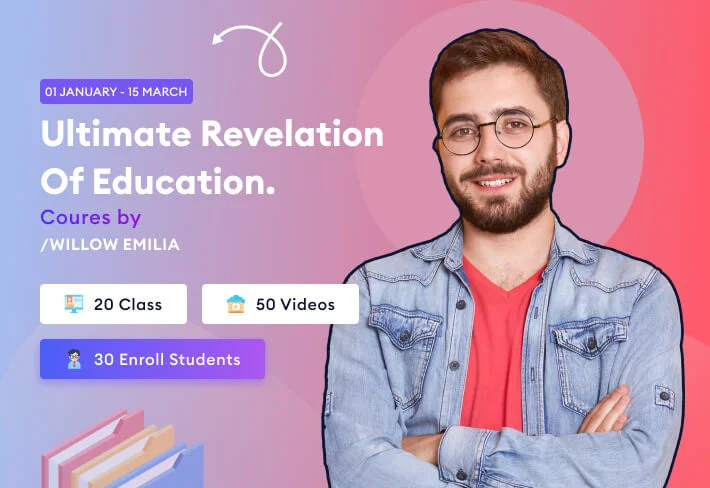

Learn Anytime, Anywhere. Trusted by Learners Worldwide.
Technology Tools & Platform
Everything You Need to Learn — Tools, Devices, and Lab Access
At DBS University, we provide the technical foundation students need to learn effectively. This page outlines device requirements, supported platforms, home lab environments, and installation resources for our courses.
Making sensitive clients more valuable for companies like






100
Satisfied

ABOUT Tools & Platforms
Which Device Setup Is Best for Your Learning?
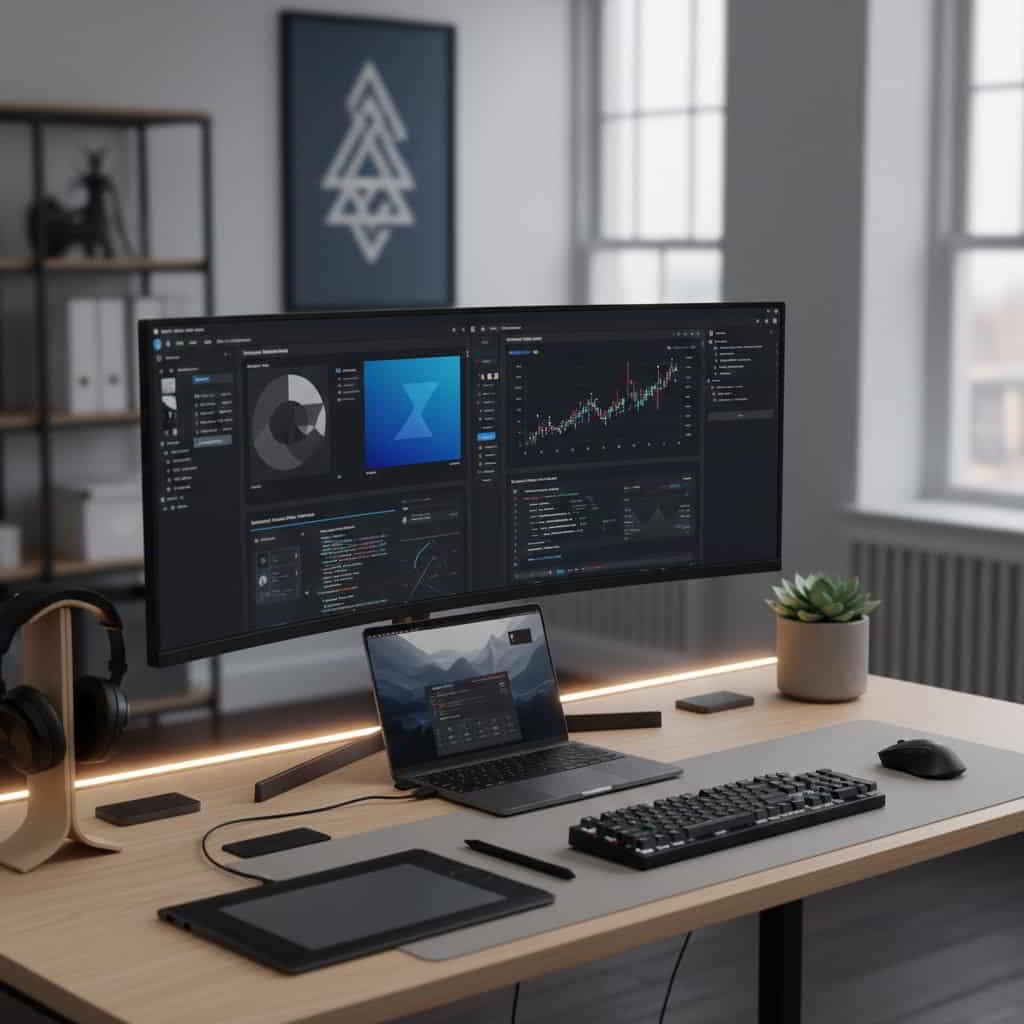
<strong>DBS University learning environment</strong> works across multiple device types.<br><br> Students may use laptops, desktops, or tablets to access course videos, documentation, and assessments.<br><br> <strong>Supported device categories:</strong><br> <span>Laptops and Desktops (recommended for lab work)</span><br> <span>Tablets (video learning and reading)</span><br> <span>External monitors and docking setups (optional)</span><br><br> <strong>Platform compatibility:</strong><br> <span>Windows</span><br> <span>macOS</span><br> <span>Linux</span><br> <span>Android and iPadOS (limited to content consumption)</span><br><br>
- For hands-on lab activities and software installation,<br> we recommend using a laptop or desktop.
To ensure tools, labs, and course software run smoothly, students should meet the following minimum system specifications.<br><br> <strong>Operating System Compatibility:</strong> <ul> <li>Windows 10 or newer</li> <li>macOS 11 (Big Sur) or newer</li> <li>Linux distributions (Ubuntu 20.04 LTS or newer recommended)</li> </ul> <strong>Minimum Hardware Requirements:</strong> <ul> <li>Processor: Intel i3 / AMD Ryzen 3 or higher</li> <li>Memory: 8GB RAM minimum (16GB recommended for database tools)</li> <li>Storage: At least 20GB free SSD space</li> <li>Display: 1366 x 768 resolution or above</li> </ul> <strong>Optional but beneficial:</strong> <ul> <li>Virtualization support enabled (for advanced labs)</li> <li>External monitor for multitasking</li> <li>SSD storage instead of HDD for faster performance</li> </ul>
<p>DBS University provides browser-based access to online labs, course streaming, and assessment tools. To ensure a seamless experience, the following connectivity standards are recommended:</p> <strong>Network Requirements:</strong> <ul> <li>Minimum bandwidth: 5 Mbps for video lectures</li> <li>Recommended bandwidth: 10 Mbps or higher for interactive labs</li> <li>Stable broadband or Wi-Fi connection</li> </ul> <strong>Supported Browsers:</strong> <ul> <li>Google Chrome (recommended)</li> <li>Mozilla Firefox</li> <li>Microsoft Edge</li> <li>Safari (macOS)</li> </ul> <p>Avoid using browsers in private/incognito mode during lab sessions, as some tools require persistent sessions and local storage.</p>
HELLO! WEB DEVELOPMENT COURSE
Get everything you need to build your learning environment at home.
We provide device requirements, trusted download links, latest recommended versions, step-by-step installation guides, and official documentation so you can start practicing confidently on your own system.



Get a Certificate
Apply for Admission in Post Graduate Diploma. Application Deadline: 26th September year Undergraduate.
-

5000+ Get Award
-
10K+ Zero to career
Projects You Will Build
Apply for Admission in Post Graduate Diploma. Application Deadline: 26th September year Undergraduate.

EDUCATION FOR EVERYONE
Student's Feedback

Martha Maldonado
Executive Chairman @ GoogleAfter the launch, vulputate at sapien sit amet, auctor iaculis lorem. In vel hend rerit nisi. Vestibulum eget risus velit.

Michael D. Lovelady
CEO @ GoogleHistudy education, vulputate at sapien sit amet, auctor iaculis lorem. In vel hend rerit nisi. Vestibulum eget.

Valerie J. Creasman
Executive Designer @ GoogleOur educational, vulputate at sapien sit amet, auctor iaculis lorem. In vel hend rerit nisi. Vestibulum eget.